Salesforce implementations often look successful on paper long before employees become comfortable using the system. The platform is configured, training sessions are completed, and teams are expected to move their daily work into a new environment.
In practice, adoption tends to happen unevenly. Some employees embrace new workflows immediately, while others continue relying on spreadsheets, personal notes, or informal advice from colleagues. A process that seems obvious to the implementation team may feel far less intuitive to someone using it for the first time months later.
This is why many organizations continue investing in enablement after launch. Documentation, workflow guidance, embedded support, and adoption analytics can all play a role in helping teams use Salesforce consistently. Different platforms approach that challenge in different ways, which is why IT and operations leaders often evaluate several options before deciding what fits their rollout strategy best.
Why Salesforce Adoption Often Becomes an Operations Problem
When companies first deploy Salesforce, the expectation is usually straightforward. Users attend training. Processes are documented. The system goes live. Work continues. Reality tends to be messier.
Teams grow. Processes evolve. Departments use Salesforce differently. New employees join long after implementation teams have moved on. Documentation becomes outdated. Managers answer the same questions repeatedly.
Over time, organizations discover that software adoption is not a launch event. It is an ongoing process.
The most successful Salesforce environments typically have one thing in common: users receive support while they are working, not weeks before they begin working.
Quick Comparison
Salesforce adoption challenges vary considerably from one organization to another. Some teams struggle with documentation. Others need stronger workflow guidance or better visibility into user behavior. The platforms below approach those challenges from different angles.
| Platform | Known For | Best Fit |
| Tango | Process guidance and workflow documentation | Salesforce rollout teams needing rapid enablement |
| WalkMe | Enterprise digital adoption | Large-scale Salesforce transformations |
| Whatfix | In-app user guidance | Complex Salesforce environments |
| Spekit | Embedded knowledge delivery | Revenue and sales operations teams |
| Pendo | Adoption analytics and behavior insights | Data-driven optimization initiatives |
| Stonly | Interactive workflows and decision trees | Process-heavy Salesforce deployments |
1. Tango
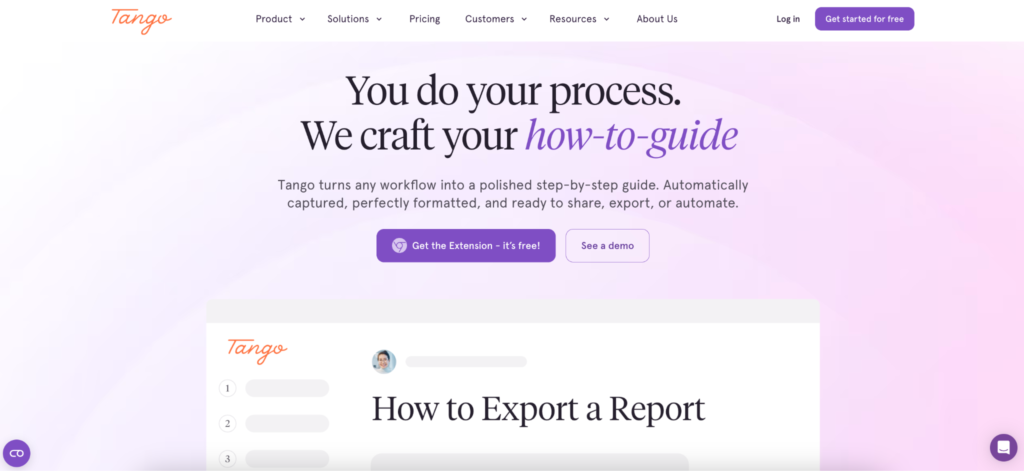
A surprising number of Salesforce projects encounter the same issue. The system is configured correctly, but employees are unsure how specific processes should be completed.
Creating opportunities, updating records, handling approvals, managing customer information — these activities often depend on dozens of small decisions that training sessions cannot fully address. Tango was built around this reality.
Rather than treating adoption as a large implementation project, the platform focuses on helping teams create practical guidance that employees can use immediately. Organizations can build step-by-step walkthroughs, document workflows, and provide contextual assistance directly where users need it.
One area where Tango stands out is speed. Many organizations need process documentation before a rollout reaches critical stages, not months later.
Key capabilities include:
- Step-by-step workflow documentation
- Salesforce process guidance
- Branching logic for non-linear workflows
- Embedded assistance within business applications
- Knowledge sharing across teams
- Adoption analytics
Because Tango works across multiple business systems rather than focusing on a single application environment, it can also support organizations rolling out Salesforce alongside ERP, HR, or financial platforms.
For operations teams trying to reduce dependency on tribal knowledge and repeated support requests, that flexibility can be particularly valuable.
2. WalkMe
Some Salesforce deployments extend across multiple regions, departments, and business units. In those environments, consistency becomes a challenge of its own.
WalkMe is frequently used by organizations treating adoption as part of a broader transformation initiative. The platform provides in-application guidance, analytics, workflow support, and governance capabilities designed for large enterprises.
Its strength is often visible in highly structured environments where thousands of users interact with Salesforce in different ways.
Common capabilities include:
- Guided workflows
- Enterprise governance
- User analytics
- Workflow automation
- Digital adoption programs
For organizations running large-scale Salesforce transformations, WalkMe often remains one of the most established options in the category.
3. Whatfix
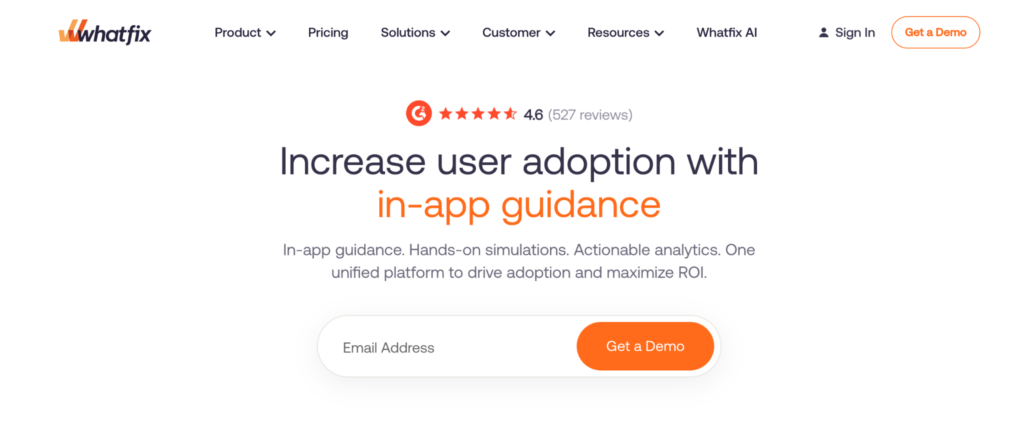
Training sessions are useful. The problem is that users rarely remember everything they learned. This is where Whatfix focuses much of its attention.
Rather than relying solely on documentation or classroom-style learning, the platform delivers guidance inside the application itself. Users receive support while completing tasks, which helps reduce reliance on external resources.
The platform is commonly used in environments where Salesforce processes are detailed, highly regulated, or operationally important.
Capabilities include:
- Interactive walkthroughs
- Contextual guidance
- Embedded learning experiences
- Process support
- Adoption monitoring
Organizations comparing Salesforce adoption tools often evaluate Whatfix and WalkMe alongside each other because of their similar focus on in-application assistance.
4. Spekit
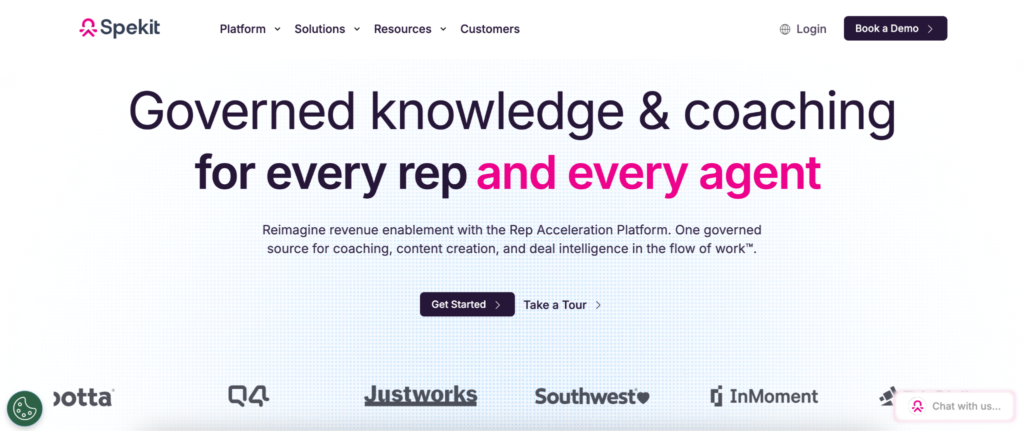
Many Salesforce users do not need another training session. They need a quick answer. The challenge is that those answers are often hidden inside documentation portals, PDFs, internal wikis, or old email threads.
Spekit approaches adoption through knowledge delivery. Instead of expecting employees to search for information, the platform surfaces relevant guidance inside the workflow itself. This can be particularly useful for sales and revenue teams that spend much of their day inside Salesforce.
Common use cases include:
- Sales process documentation
- Revenue operations support
- Embedded knowledge delivery
- CRM adoption initiatives
- Process standardization
For organizations looking to make Salesforce knowledge easier to access, Spekit offers a practical approach.
5. Pendo
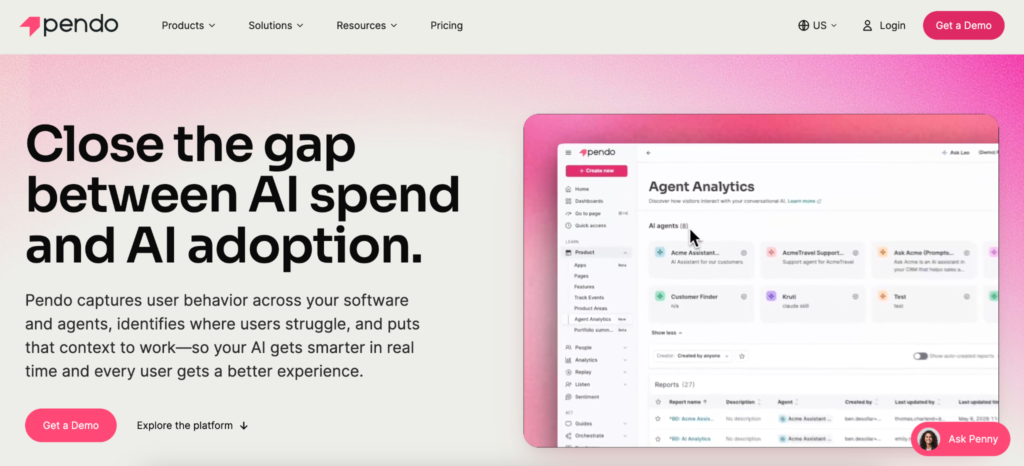
Sometimes adoption issues are difficult to diagnose. Leaders know users are struggling, but they do not know where. Pendo helps answer that question.
The platform combines digital adoption functionality with analytics, giving organizations visibility into how employees interact with Salesforce and other business systems.
Instead of relying on assumptions, teams can identify friction points, underutilized features, and workflow bottlenecks through behavioral data.
Capabilities include:
- User analytics
- Adoption reporting
- Behavioral insights
- Segmentation
- In-app communication
For organizations focused on measuring and improving adoption outcomes, Pendo brings a strong analytical perspective.
6. Stonly
Salesforce workflows are not always linear. A support process may follow one path for existing customers and another for new ones. Approvals may change depending on deal size. Service teams may need entirely different guidance based on customer scenarios.
Stonly is designed around these kinds of branching workflows. Rather than presenting the same instructions to every user, the platform adapts guidance based on decisions made along the way.
Capabilities include:
- Interactive guides
- Decision trees
- Conditional workflows
- Self-service support
- Process assistance
Organizations with more variable Salesforce processes often appreciate this flexibility.
The Difference Between Training and Adoption
Many organizations treat training and adoption as interchangeable concepts. They are not. Training is an event. Adoption is a behavior.
Training can be completed in a single afternoon. Adoption happens over weeks, months, and sometimes years. It is shaped by process design, knowledge access, workflow complexity, management support, and the quality of guidance users receive when they need help.
This distinction explains why some Salesforce projects deliver strong outcomes while others struggle despite similar investments. The software is only part of the equation. The day-to-day experience of using it matters just as much.
Beyond Go-Live
The most successful Salesforce rollouts rarely depend on perfect training materials or flawless launch plans. Instead, they create environments where employees can continue learning while work is happening.
The platforms above approach that challenge from different directions. Some focus on documentation. Others emphasize workflow guidance, analytics, or knowledge delivery. Each offers a different way to support users after implementation teams have finished their work.
Because in most organizations, the real test of a Salesforce rollout begins the moment people are expected to use it on their own.